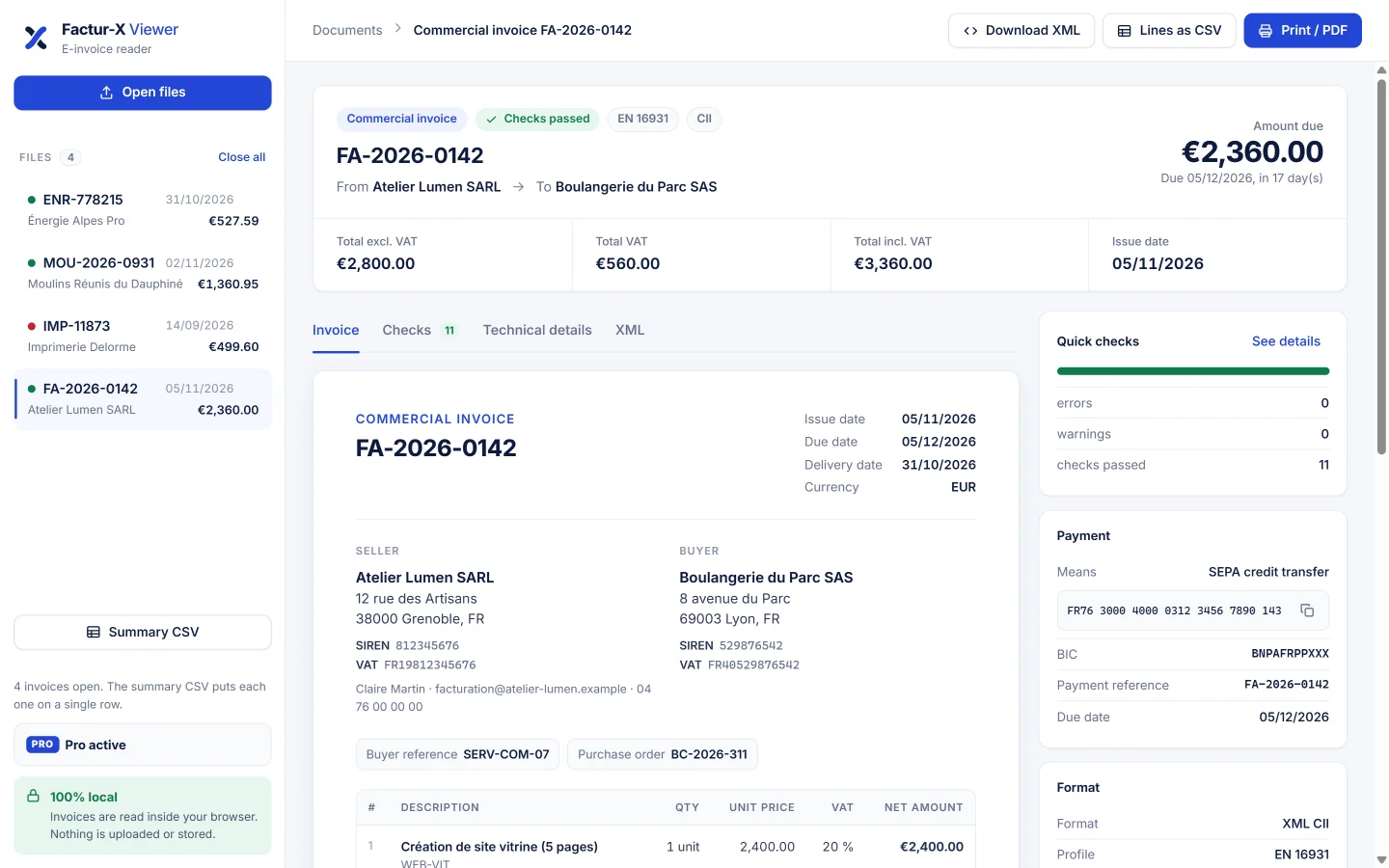
E-invoices carry an XML file nobody can read. Factur-X Viewer displays it as a real invoice, checks the amounts and exports it to PDF or CSV.
Germany requires every business to receive e-invoices since 2025, France since September 2026. You still need to be able to read them.
Drop a ZUGFeRD or Factur-X PDF or an XML file: seller, buyer, lines, VAT, payment and notes are displayed clearly.
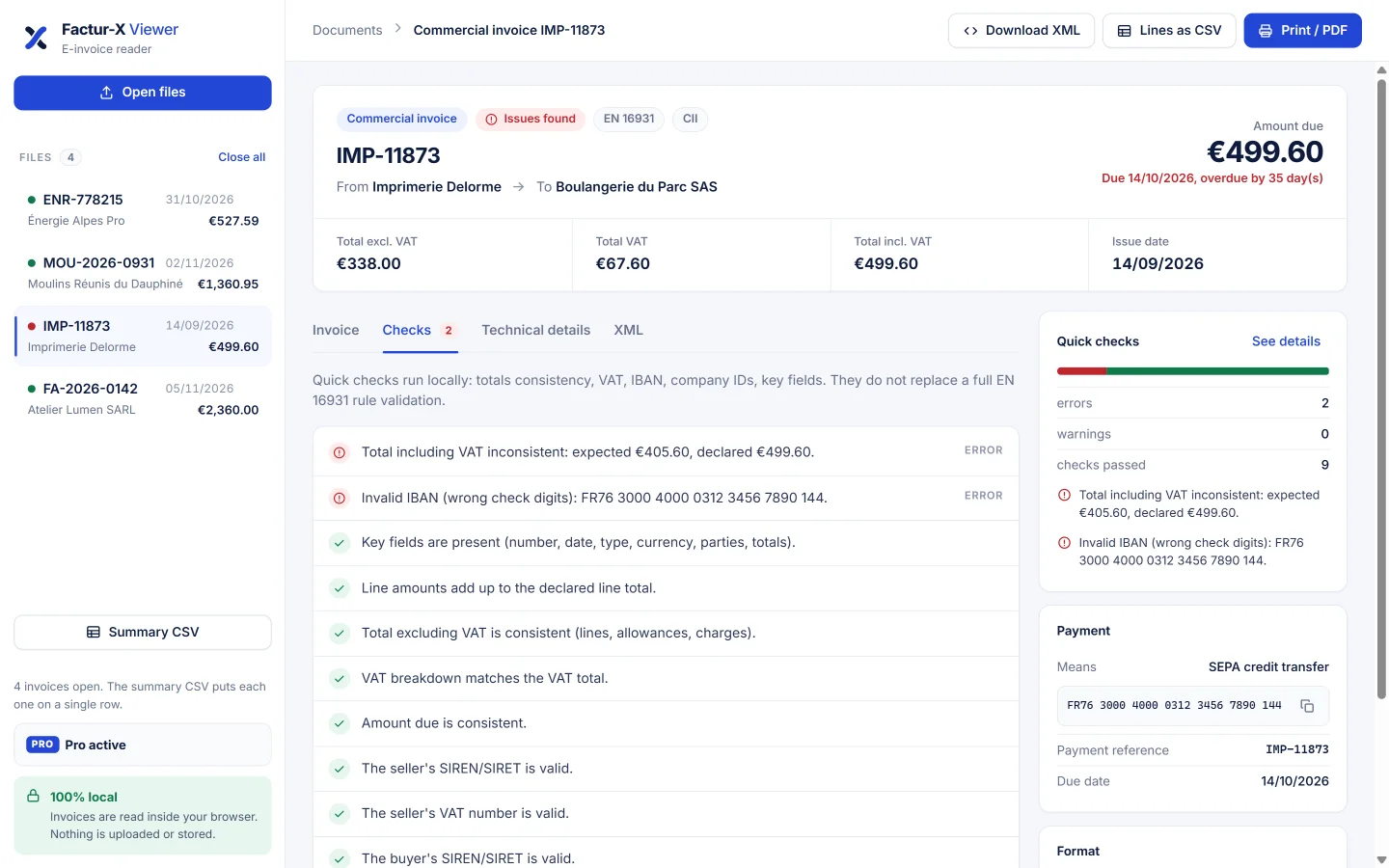
Totals, VAT breakdown, amount due, IBAN check digits and company IDs: errors stand out before you pay.
Print or save a readable PDF, export the lines and a summary for your bookkeeping.
ZUGFeRD 2.x and Factur-X PDFs, XRechnung, UBL and CII XML files, invoices and credit notes.
No upload, no account, no site access permission. Everything is read inside your browser.
Profile, syntax, XMP metadata, PDF attachments and indented XML for in-depth checks.
A ZUGFeRD invoice looks like a normal PDF, but the binding data is an XML file hidden inside. An XRechnung is just an XML file. To read them:
One-time payment, no subscription.
No. Files are read inside your browser and are never sent anywhere. The extension does not even request access to websites.
No. They are quick consistency checks (totals, VAT, IBAN, IDs). They catch common errors but do not replace a full EN 16931 validation.
After payment, a license key is displayed and activated automatically in the extension and the online reader. Keep it to reactivate Pro on another computer.